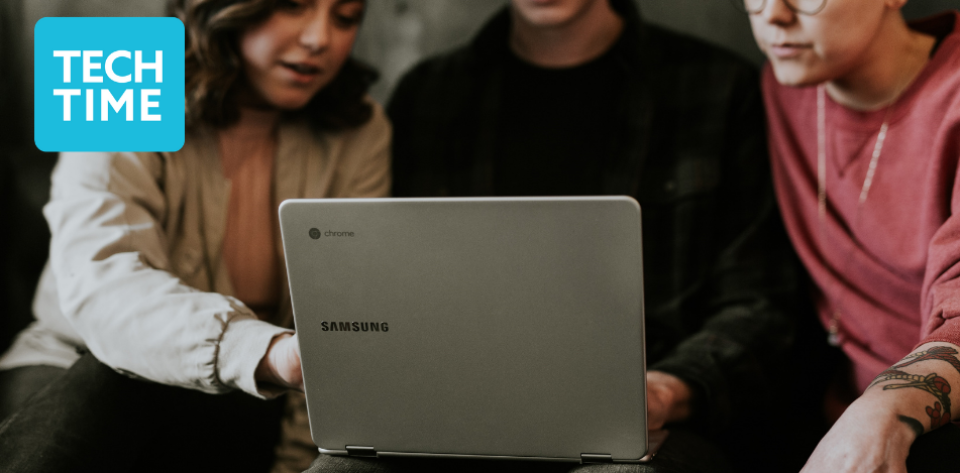
people looking at laptop

Workshop: Computers for Beginners

presented by Community Living Campaign
Thursday, 1/8/2026
9:30 - 11:30
Computer Training Center - 5th Fl
Main Library
Address

100 Larkin Street
San Francisco, CA 94102
United States

Contact Telephone

Start here to learn the fundamentals of using a computer. In this three-part, hands-on series you will learn how to operate a computer, connect to the internet, navigate settings, understand apps, organize files and create and use a Gmail account. We will also explore operating systems, storage and keyboard shortcuts. Space limited. Reservations required for the series: (415) 557-4388.


Please email dana@sfcommunityliving.org if you have any questions about class content.

The Community Living Campaign (CLC) brings greater joy, health, and connectedness to seniors and people with disabilities in San Francisco through community-building, empowerment, and advocacy.

Connect: Community Living Campaign Website | Facebook | Twitter


Computer Basics for Beginners Weekly Topics:

Week 1: January 8

 Basic Computer Introduction

·      identifying different parts of a computer and understanding their functions

·      learning how to use a keyboard and mouse

·      proper procedures for turning on and off the computer

·      how to access the internet.


Week 2: January 15

Exploring the Computer

·      exploring operating systems and applications

·      creating desktop shortcuts, e/storage options,

·      learning how to use keyboard shortcuts such as cut, copy, and paste

·      using the mouse to drag and drop

·      minimizing and restoring windows.


Week 3: January 22

Google Account and Email | This unit introduces students to Google accounts and email. 

·     the creation of a Gmail account

·     guidelines for professional and secure account creation

·     a review of different email clients

·     opening, reading, and replying to emails

·     identifying suspicious emails.


Build connections with others in our local programs.

In-person and online programs to help you explore current technology and navigate the digital world. Sign up for our monthly eNewsletter of upcoming classes and events.

Learn and live well at any age.


This program is sponsored by Friends of the San Francisco Public Library.


Attending Programs

All programs are drop-in (no registration necessary) unless otherwise noted. All SFPL locations are wheelchair accessible. For accommodations (such as ASL), call (415) 557-4557 or contact accessibility@sfpl.org. Requesting at least 3 business days in advance will help ensure availability.

This program will be conducted in English unless otherwise noted.

Notice: This event may be filmed or photographed. By participating in this event, you consent to have your likeness used for the Library’s archival purposes and promotional materials. If you do not want to be photographed, please inform a staff person or the photographer. A sticker will be provided to help identify you so that we can avoid capturing your image.


Public Notice and Disclaimer

This program uses a third-party website link. By clicking on the third-party website link, you will leave SFPL's website and enter a website not operated by SFPL. This service may collect personally identifying information about you, such as name, username, email address, and password. This service will treat the information it collects about you pursuant to its own privacy policy. We encourage you to review the privacy policies of each third-party website or service that you visit or use, including those third parties with whom you interact through our Library services. For more information about these third-party links, please see the section of SFPL’s Privacy Policy describing Links to Other Sites.

The views and opinions expressed in programs presented by groups unaffiliated with SFPL do not necessarily reflect the official policy or position of SFPL or the City.